Settings and help
Settings
Open the menu and tap Settings.
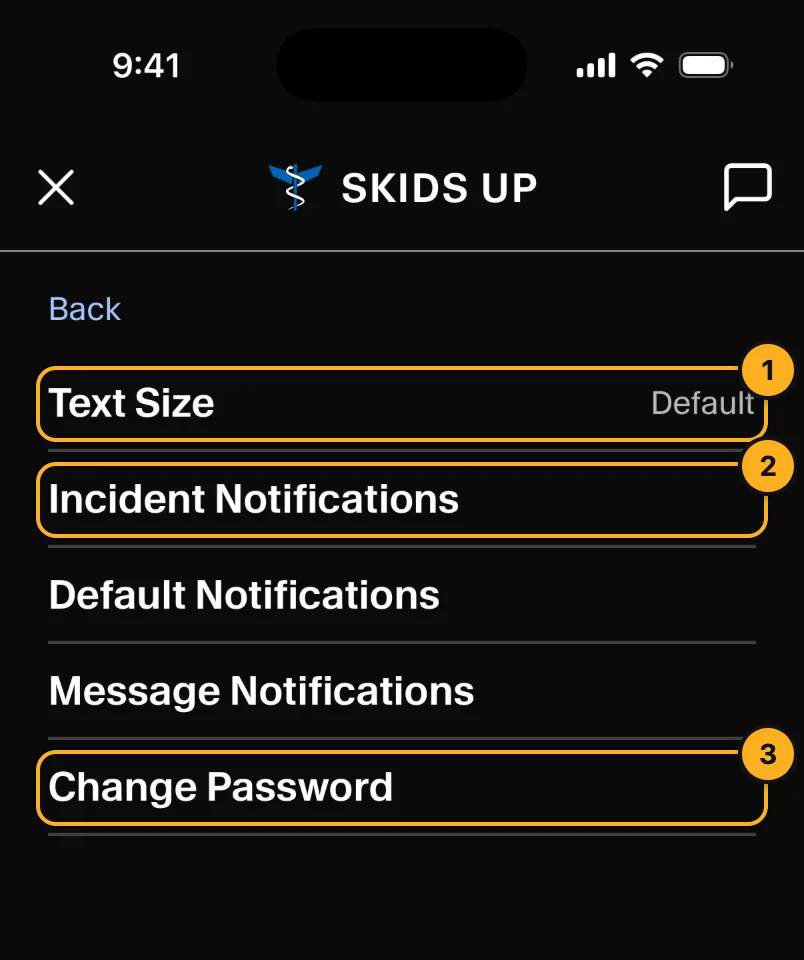
- Text Size: make text larger, up to Huge (two times the default).
- Incident, Default and Message Notifications: choose the sound for each type of alert. Tap Preview to hear it. New calls use the Incident sound, messages use the Message sound, and all other alerts use the Default sound.
- Change Password: enter your current password, then the new one two times. Crew phones do not have a password.
Dark in the menu switches between dark and light. The phone remembers your choice.
Having trouble?
Open the menu and tap Having trouble?.
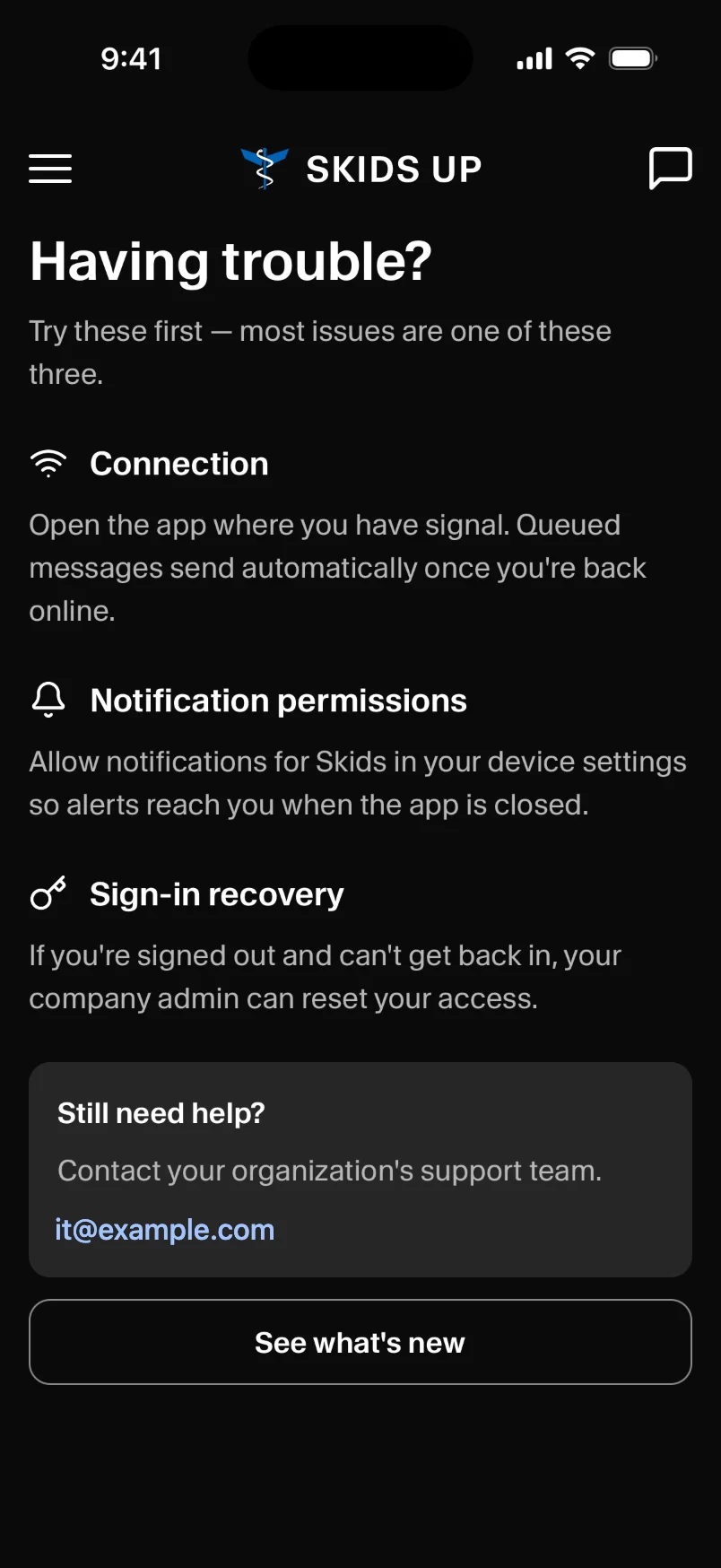
- Connection: open the app where you have signal. Messages you sent with no signal are sent when you are back online.
- Notification permissions: allow notifications for Skids Up in your phone's settings. Then you get alerts when the app is closed.
- Sign-in recovery: if you cannot sign in, your company admin can reset your access.
- Still need help?: email the support address shown.
- See what's new: the changes in the latest version.