Skids Up
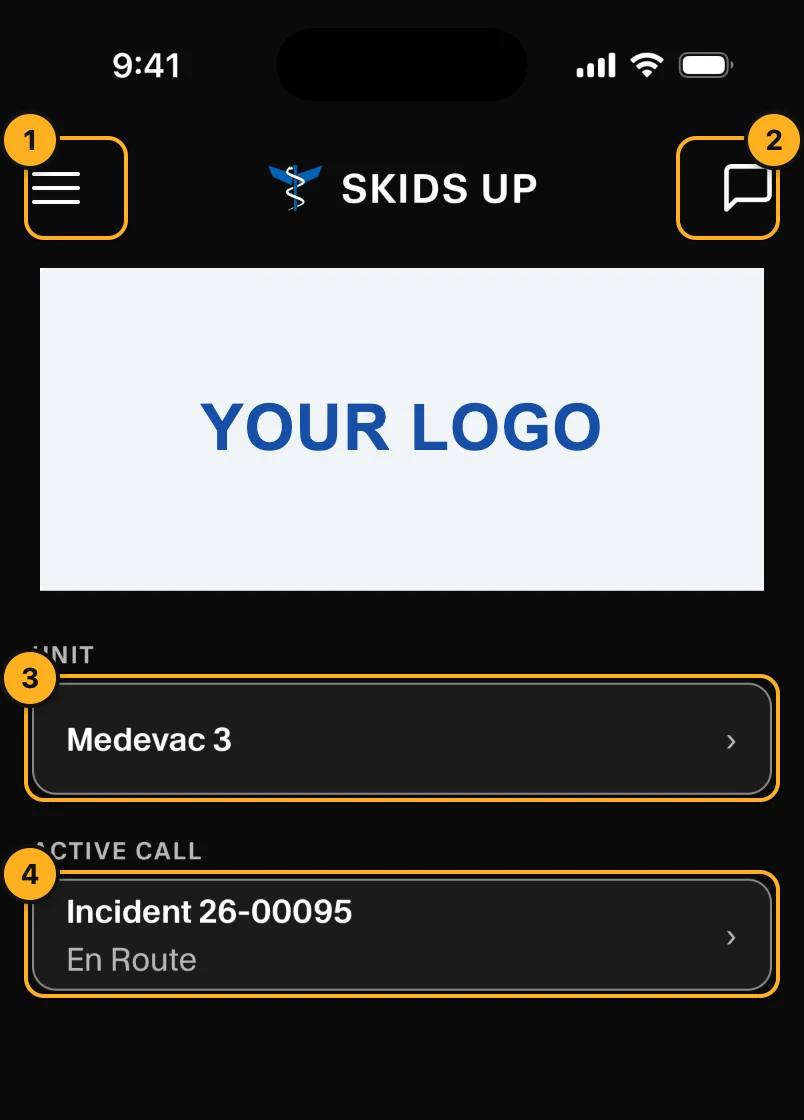
Skids Up is the AMT app for pilots and medical crews. Dispatch assigns a call to your unit. You get an alert on your phone. You acknowledge the call, update your status during the flight and send messages to dispatch.
Get the app
Download Skids Up from the App Store or Google Play. You cannot make your own account. Your company admin adds you:
- Pilots sign in with their email and password.
- Medical crews use the unit's crew phone. The crew phone signs in with its phone number and a code sent by text message.
What you can do
| Task | Who | Page |
|---|---|---|
| Sign in | Everyone | Sign in |
| Find your way around | Everyone | Home and menu |
| Choose your unit and crew | Pilots | Choose your unit |
| Acknowledge a call, update your status | Pilots (crew phones can read) | Work a call |
| Send messages and photos to dispatch | Everyone | Chat |
| Complete the RAM, read old reports | Pilots | RAM and past incidents |
| Change sounds and text size | Everyone | Settings and help |
Crew phones are read-only. A crew phone shows the call, the chat and the unit. Only the pilot can change the status, the crew or the RAM.
How it works with the console
Dispatch sees your changes immediately in the web console: your status on the boards, your acknowledgement on the call, your position on the map and your messages in Chat. See Notifications for the alerts you get.
No signal
If you lose signal, a banner shows No connection. Status changes, flight information, RAM reports and messages are kept on the phone with the time you made them. They are sent when the signal comes back.