Web console
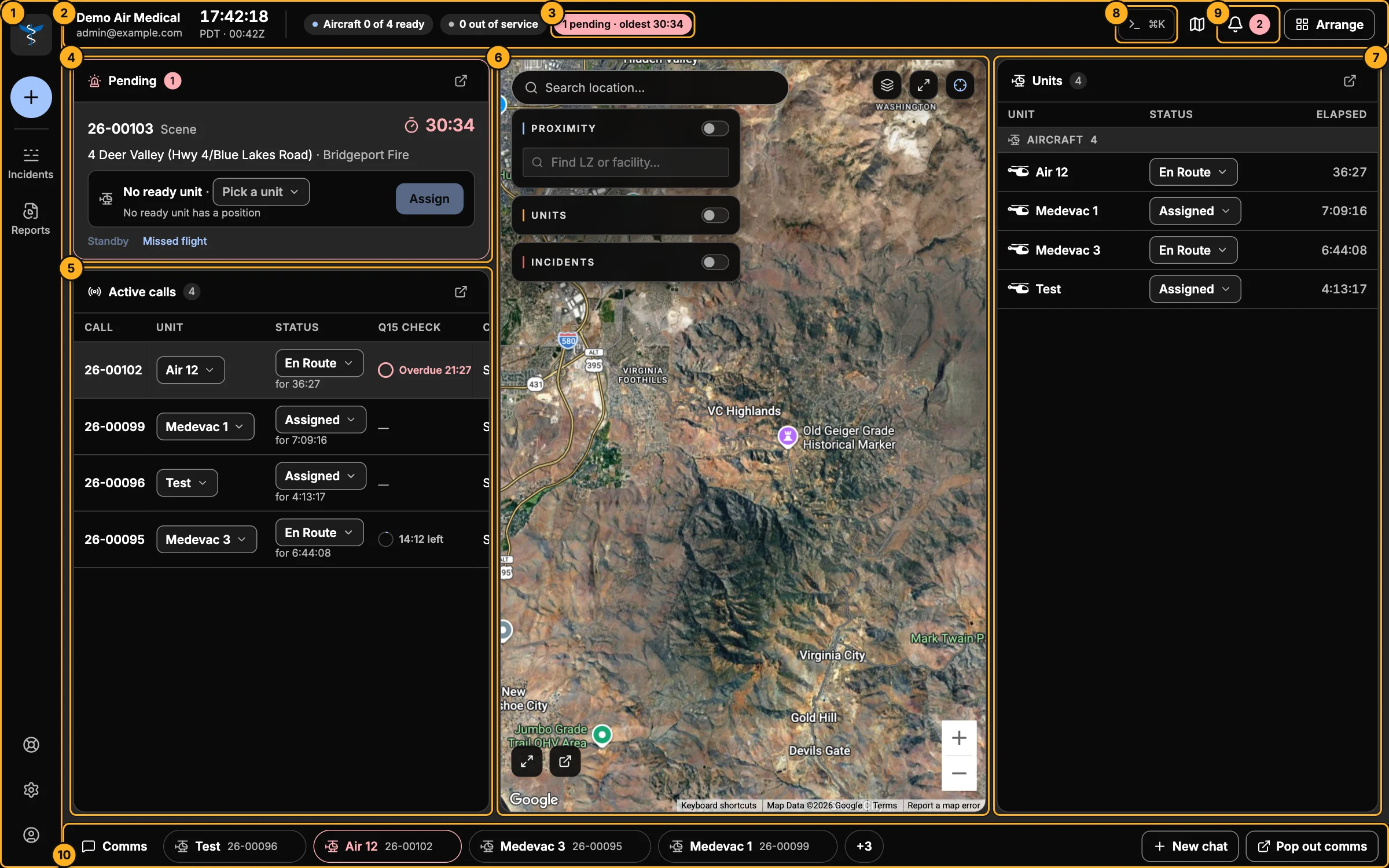
The web console is AMT's dispatch screen. Dispatchers use it all shift to take requests, send units, and follow every flight until it's done. Company admins use it to manage people, units and the company's records.
Who uses it
| You are | You can |
|---|---|
| Company admin | Everything: dispatch, reports, settings, and all of your company's records (users, units, crew, vehicles, agencies, landing zones, facilities). |
| Comm specialist (dispatcher) | Dispatch, reports and your own settings. Of the company's records, you can work with landing zones and facilities. |
Pilots and crews use the Skids Up app; requesting agencies use Launch. See Roles and permissions for the details.
What you need
- A current version of Chrome, Edge, Safari or Firefox on a computer. The console is built for a desk with one or more large screens.
- An invitation from your company admin (or from AMT for a new company).
Start here
New look
If your screen looks different (a top bar with Try new mode), you're on the classic dashboard. Click Try new mode to switch to the console. You can switch back any time from your account menu.