Your settings
Click the gear on the left rail. Settings has three groups: Personal (this page), Company and Company data.
Most personal settings are kept on the computer you're using, so each dispatch desk can be set up its own way. Sounds follow your account.
Console and monitors
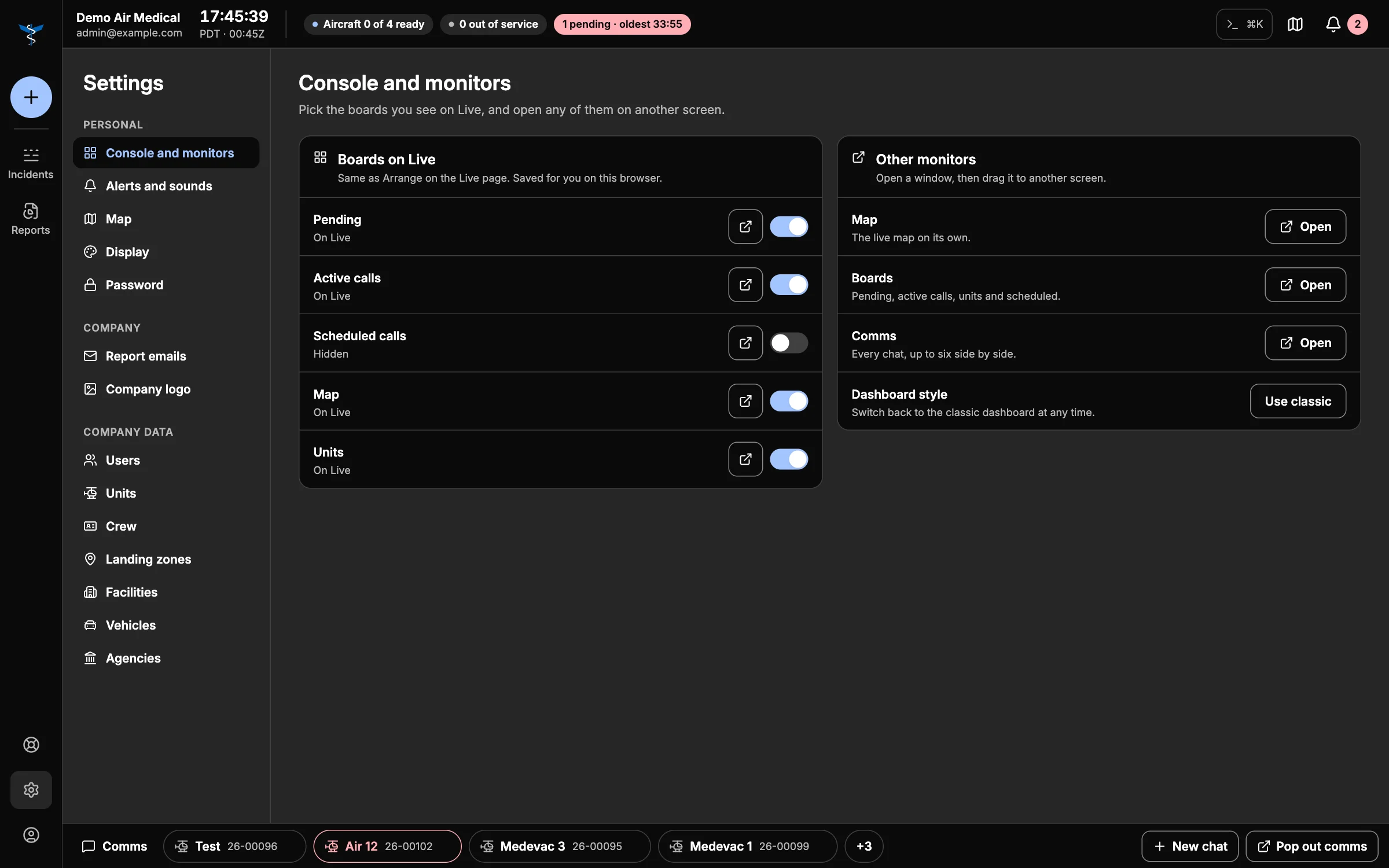
- Boards on Live — the same choices as Arrange: show or hide each board, or pop it out.
- Other monitors — Open the map, the boards or your chats in their own window (Multiple monitors).
- Dashboard style — Use classic switches back to the older dashboard.
Alerts and sounds
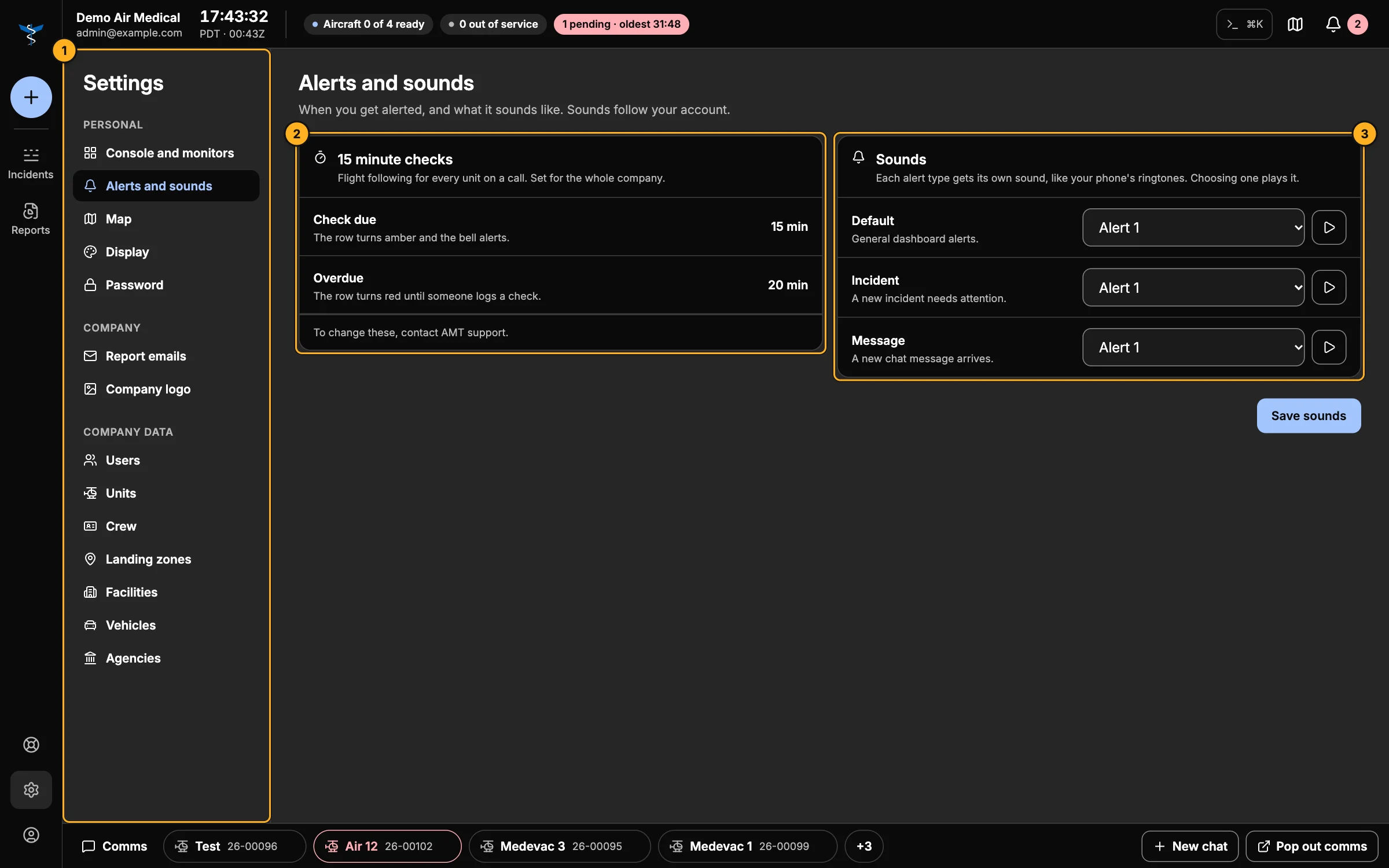
- Settings menu.
- 15 minute checks — your company's check due and overdue times. They color active calls, drive the 15-minute alerts, and time the pending request clock. They're set for the whole company; to change them, contact support.
- Sounds — a sound for Default, Incident and Message alerts. Choosing one plays it (and stops the one before); ▶ plays it again. Save sounds when you're done.
Map
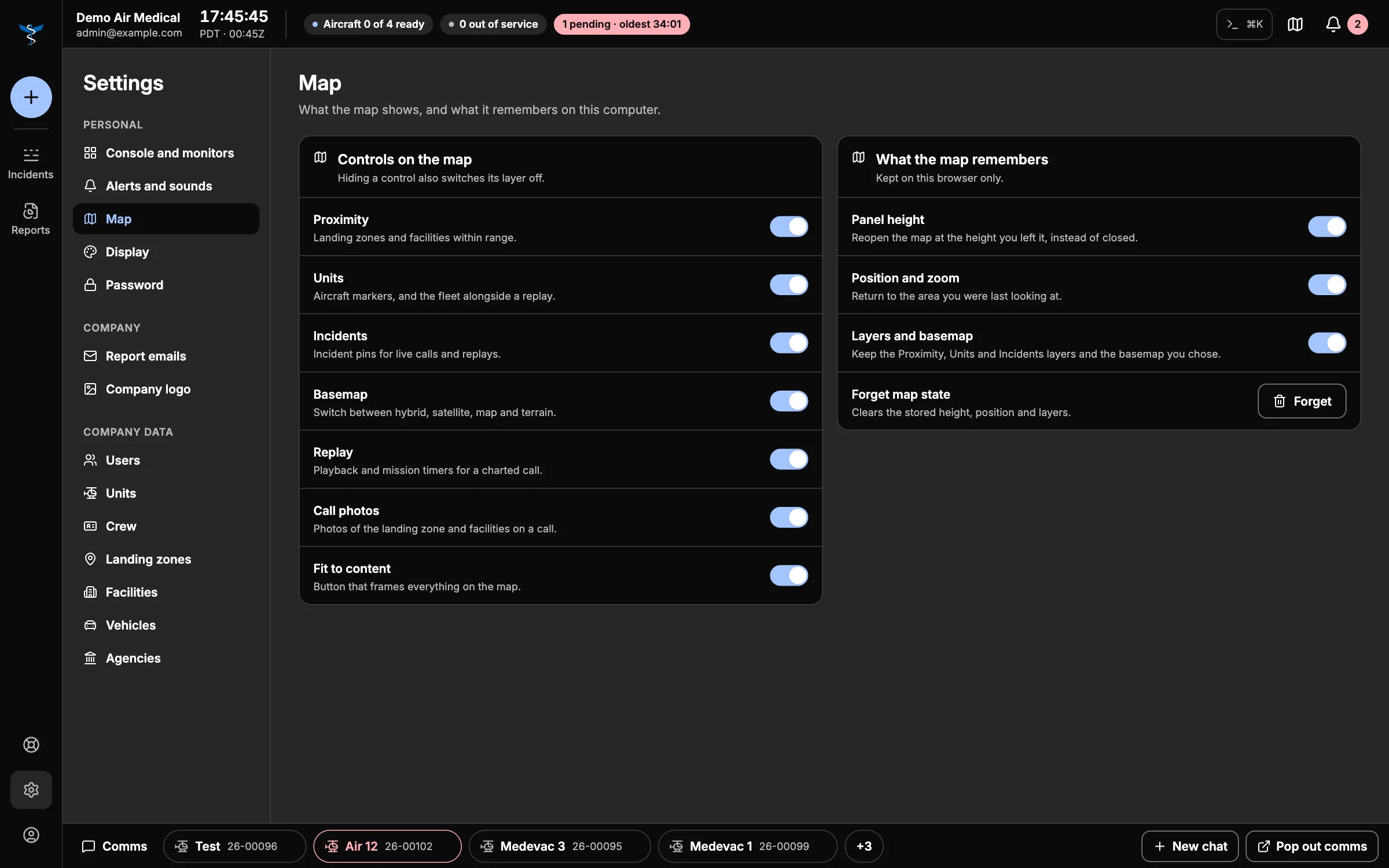
- Controls on the map — choose which controls appear: Proximity, Units, Incidents, Basemap, Replay, Call photos, Fit to content. Hiding a control also turns its layer off.
- What the map remembers — keep the panel height, position and zoom, and your layers and basemap between visits. Forget clears them.
Display
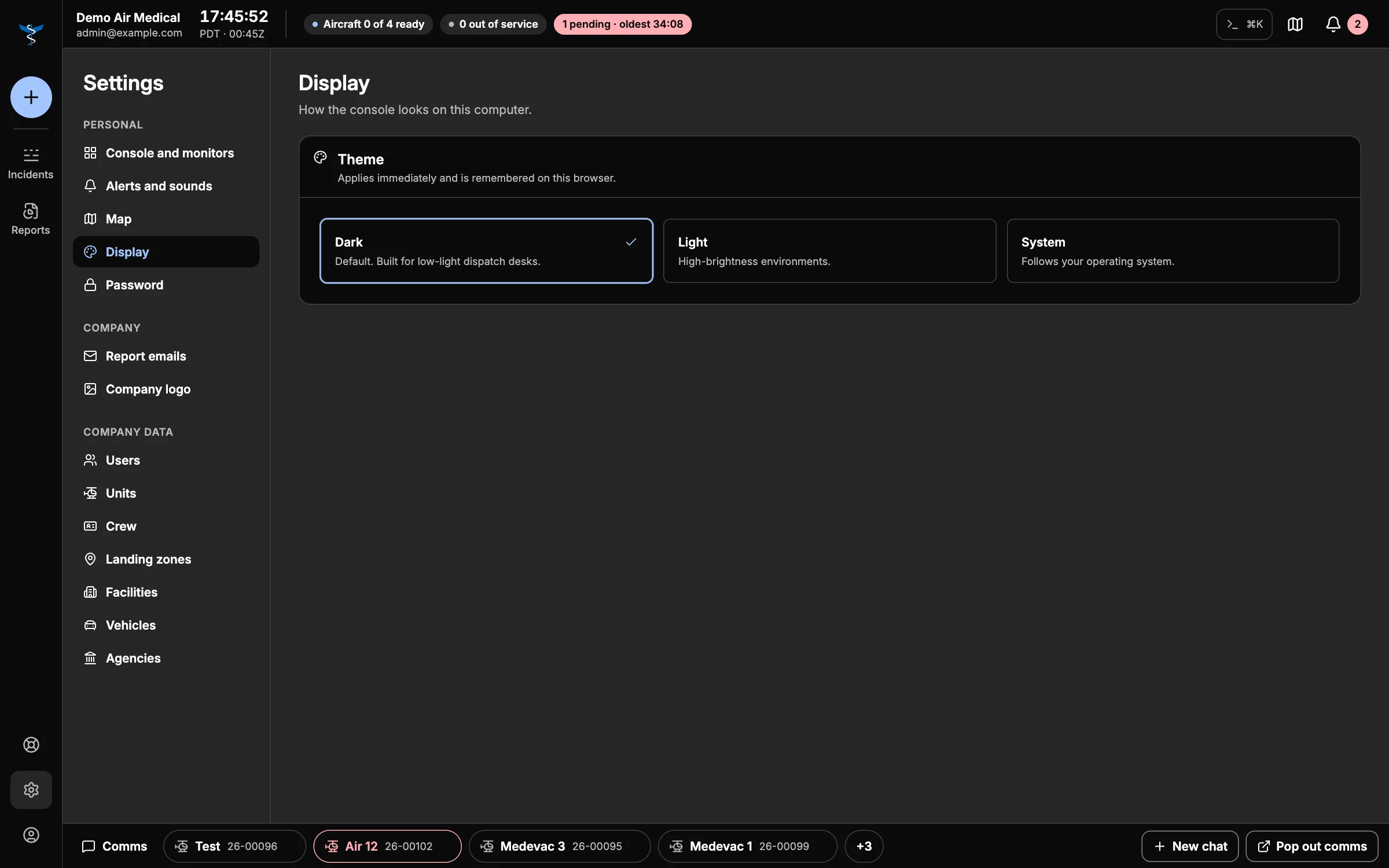
Choose Dark (the default, for low-light dispatch rooms), Light for bright rooms, or System to follow your computer.
Password
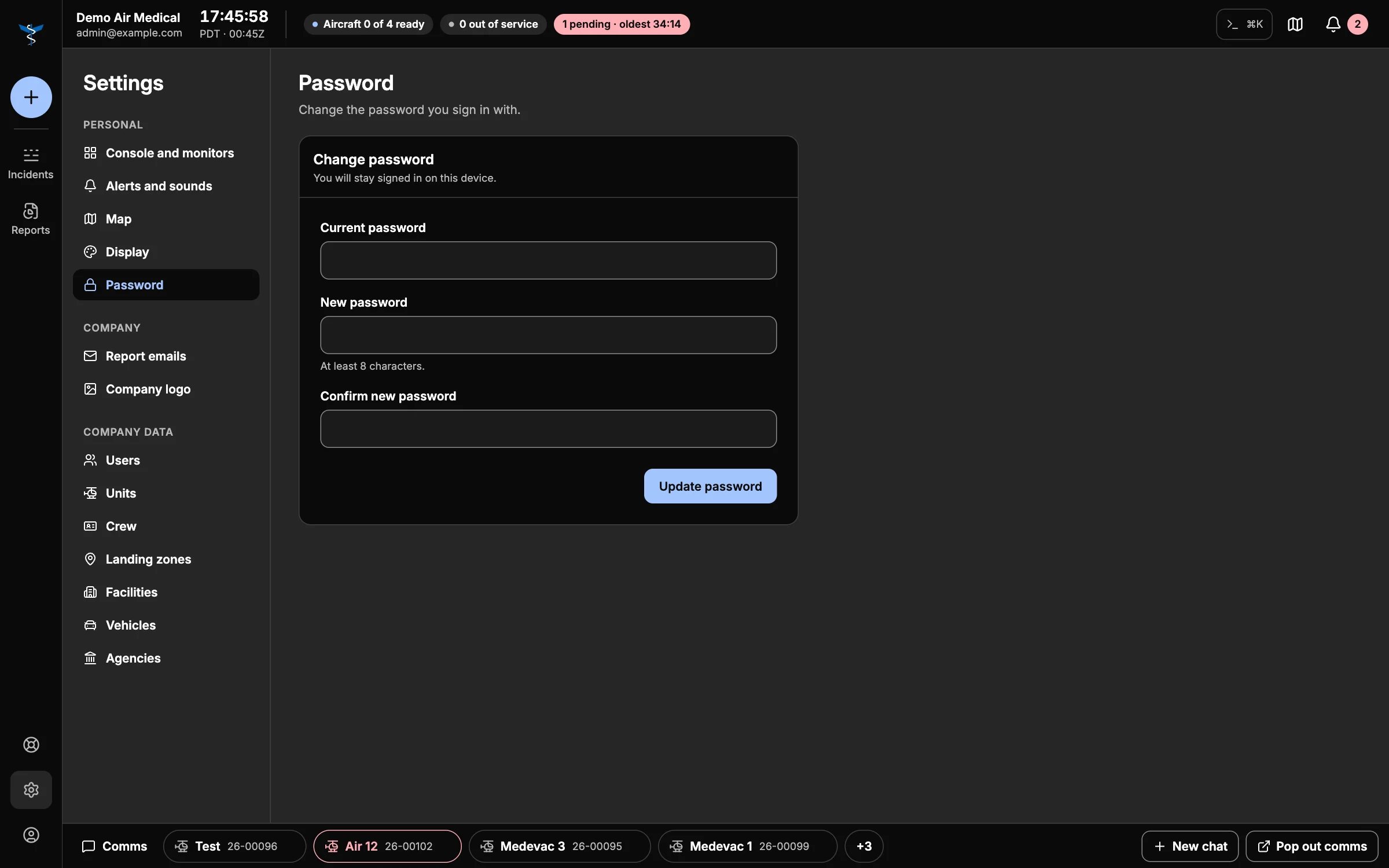
Enter your Current password, a New password (at least 8 characters) and Confirm new password, then Update password. You stay signed in.