Close a call
A call ends when you set a close-out status in the call drawer:
- Flight Completed – Patient Transport or Flight Completed – No Transport
- Cancelled, Cancelled – RTB
- Declined
- Missed Flight, Aborted Flight
Reasons
Cancelled, Declined, Missed Flight and Aborted Flight ask for a reason before the call closes.
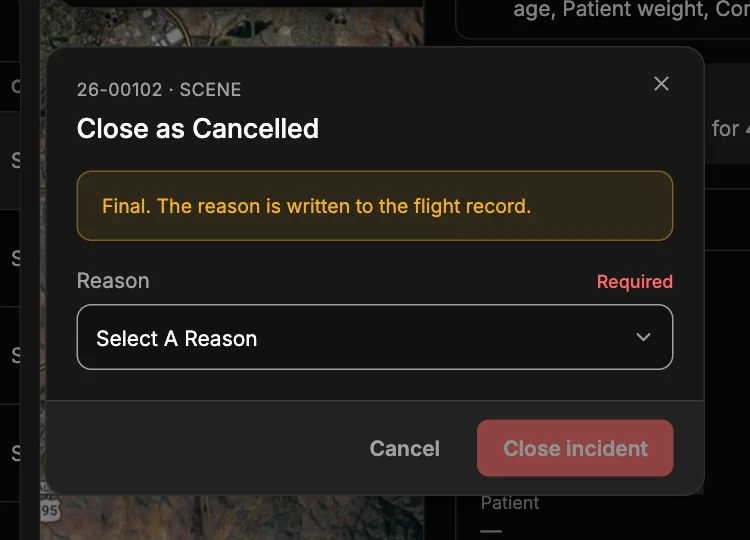
Pick the reason — By Requestor, Prolonged ETA, Mechanical, Weather, Patient Weight or Other — and click Close incident. This is final: the reason is written to the flight record.
Missed flights from the Pending board have their own reasons; see Missed flight.
After a call closes
- It leaves the boards and moves to Inactive Incidents on the Incidents page.
- Its drawer becomes read-only: notes are locked, and you can Replay flight track and Export track.
- Reports can be generated from it (Reports).
Reopen a call
Open the closed call and click Reopen incident. It goes back to Assigned or Pending.